Classic
Classic.
Camera overlay, drag and scale any reference.
Trace & sketch from camera or gallery — iOS & Android


One app, three powerful sketch modes. Whether you're a beginner or a pro, find the style that fits how you create.
Camera overlay, drag and scale any reference.
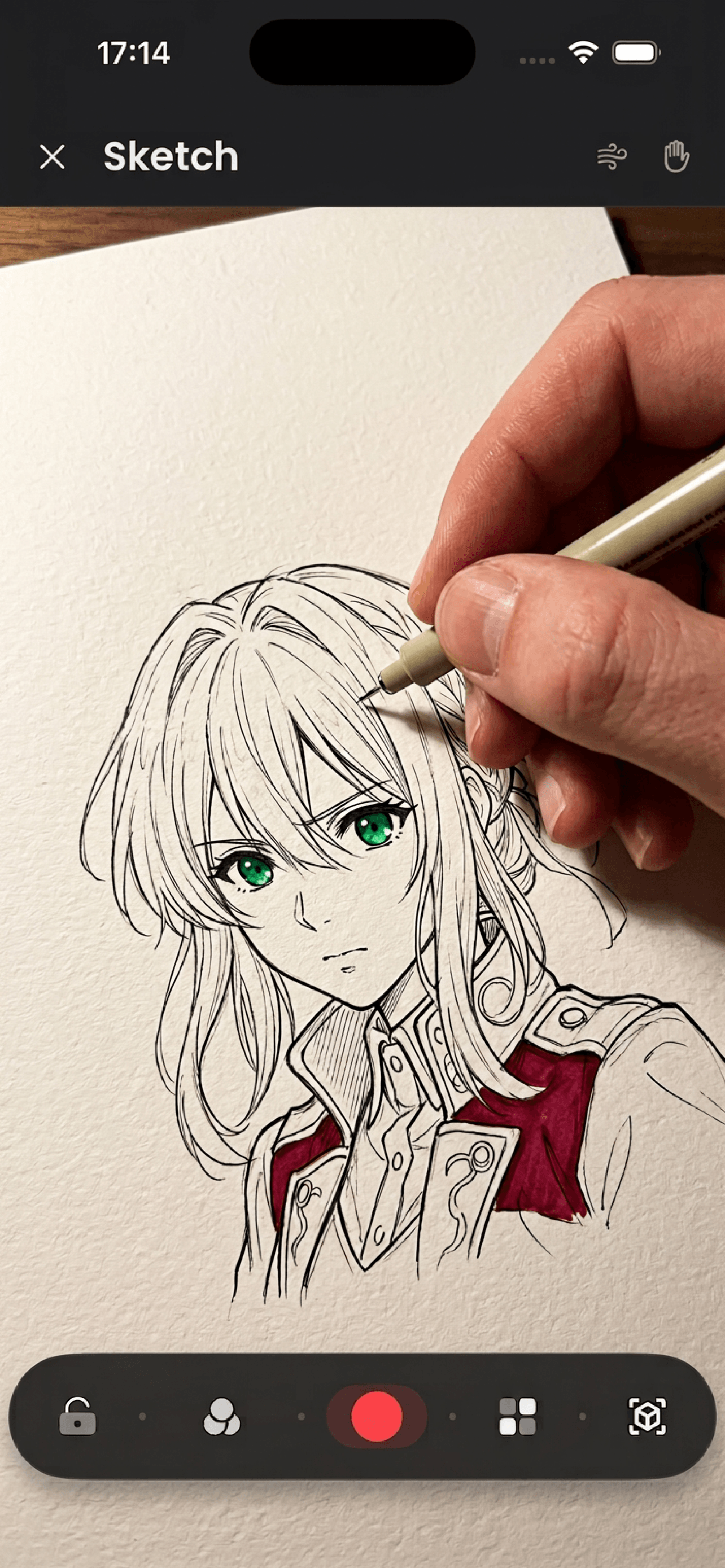
Auto-warps your art onto detected paper. Zero effort.
.png)
Anchors the reference to real-world surfaces so it stays locked as you move.
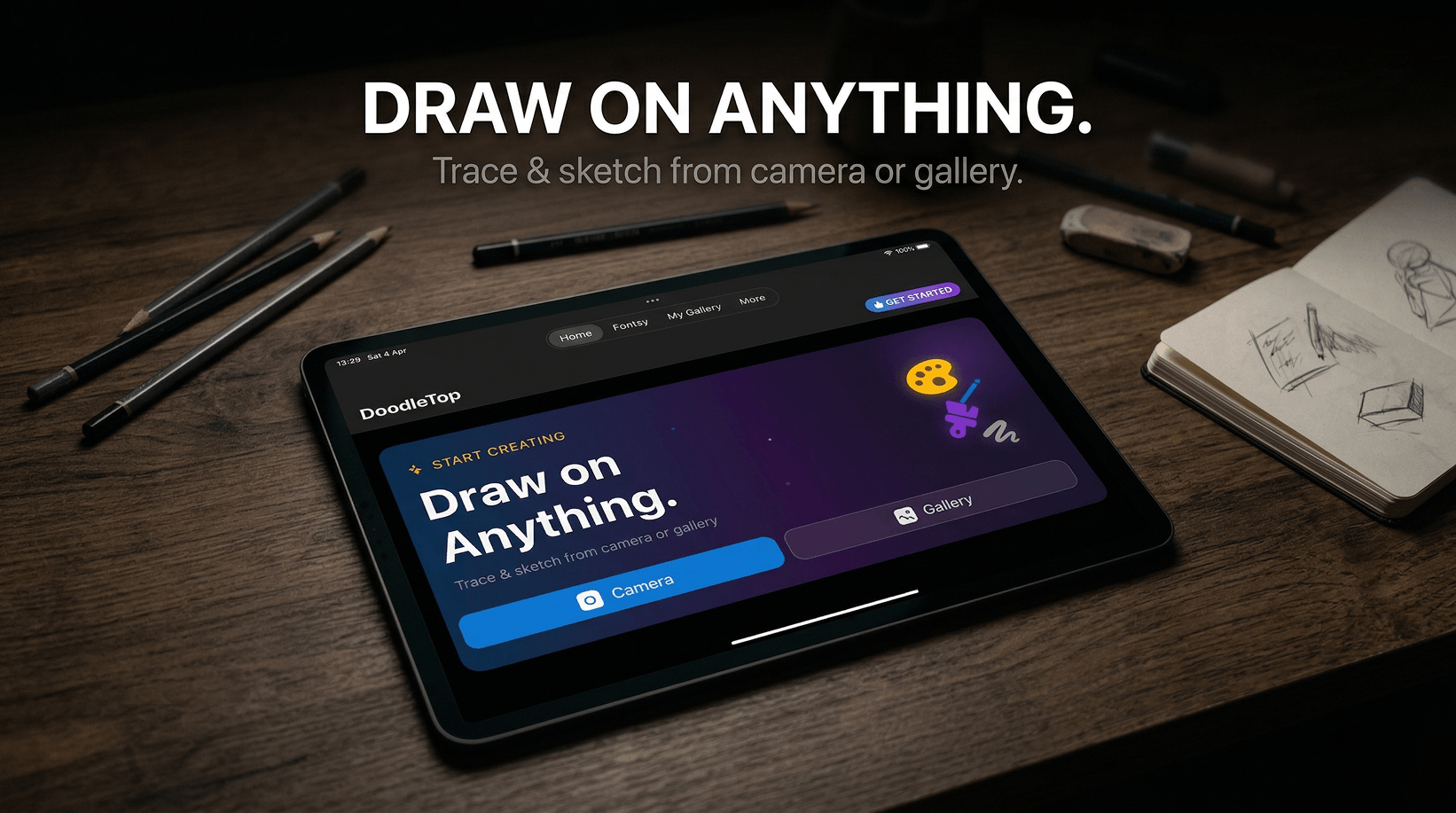
Trace & sketch from camera or gallery — pick your surface, pick your style.
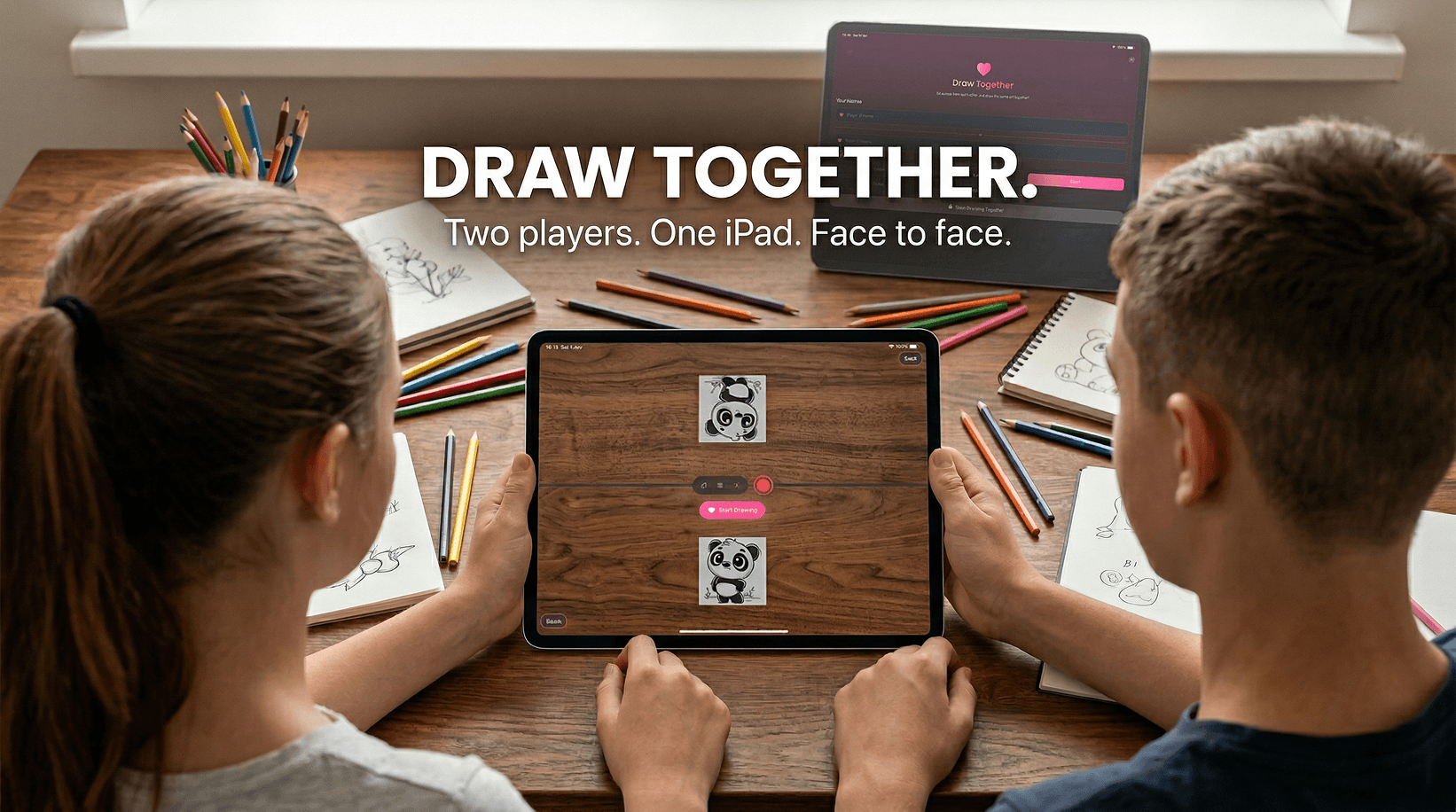
Sit across from each other and trace the same art at the same time. Set a timer, press start — and let the fun begin.
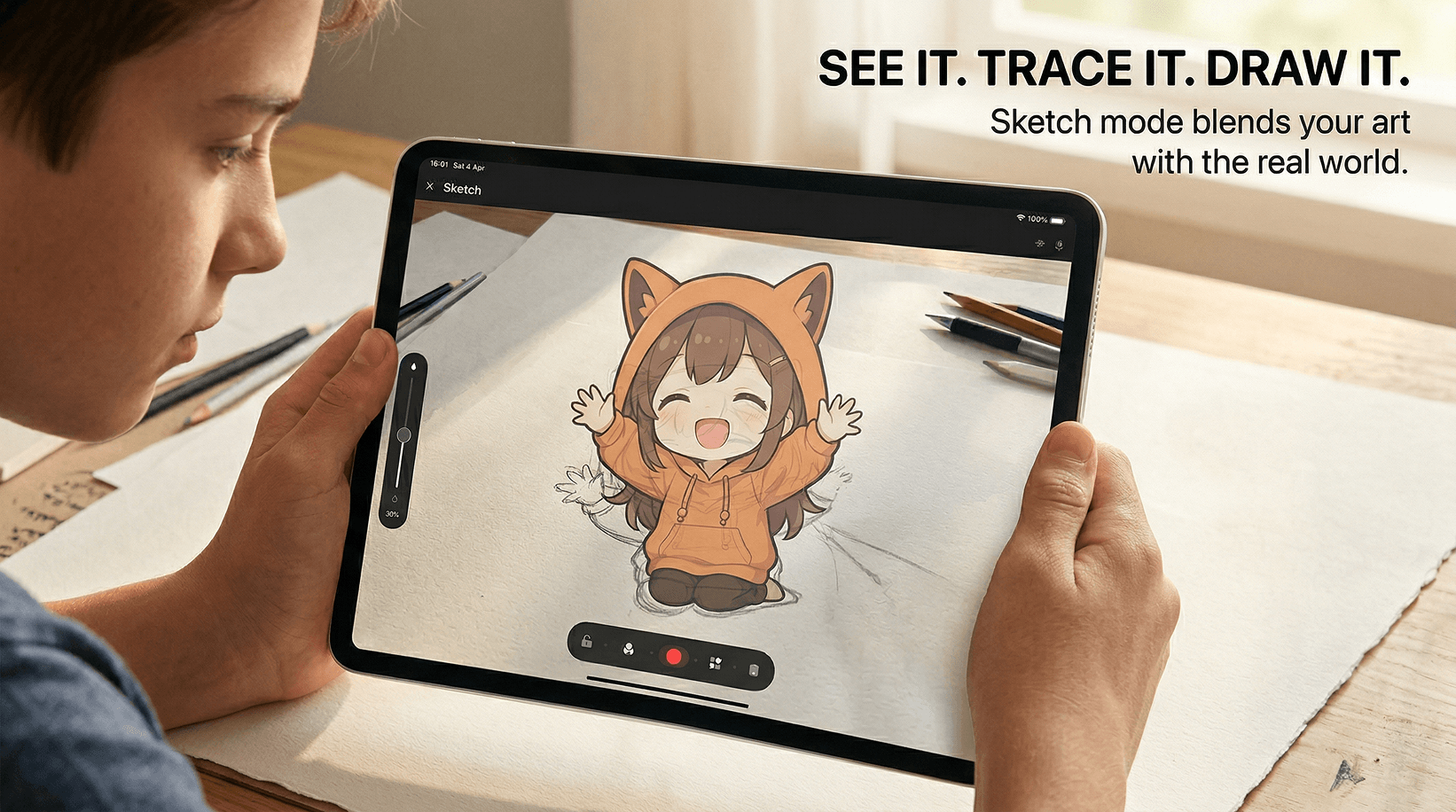
Sketch mode blends your art with the real world.
Immerse Yourself in AR Drawing Magic
Drawing with Templates
Learn Perspective Drawing
Step-by-Step Drawing Basics for Beginners
Classic, PaperTracker, and AR Mode — three ways to place any reference on any surface, any way you like.
Filters, edge trace, opacity, flip, lock, and zoom. Every tool you need, always one tap away.
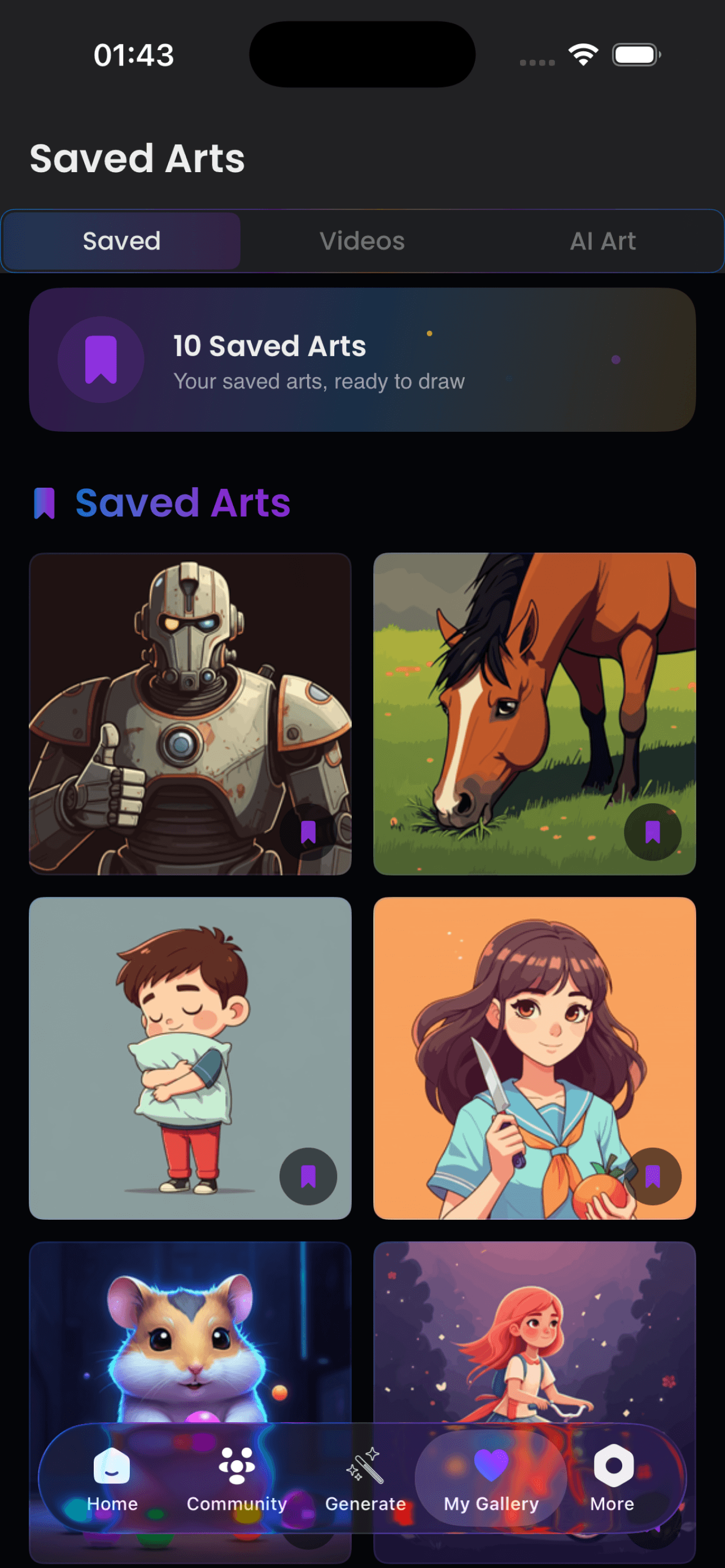
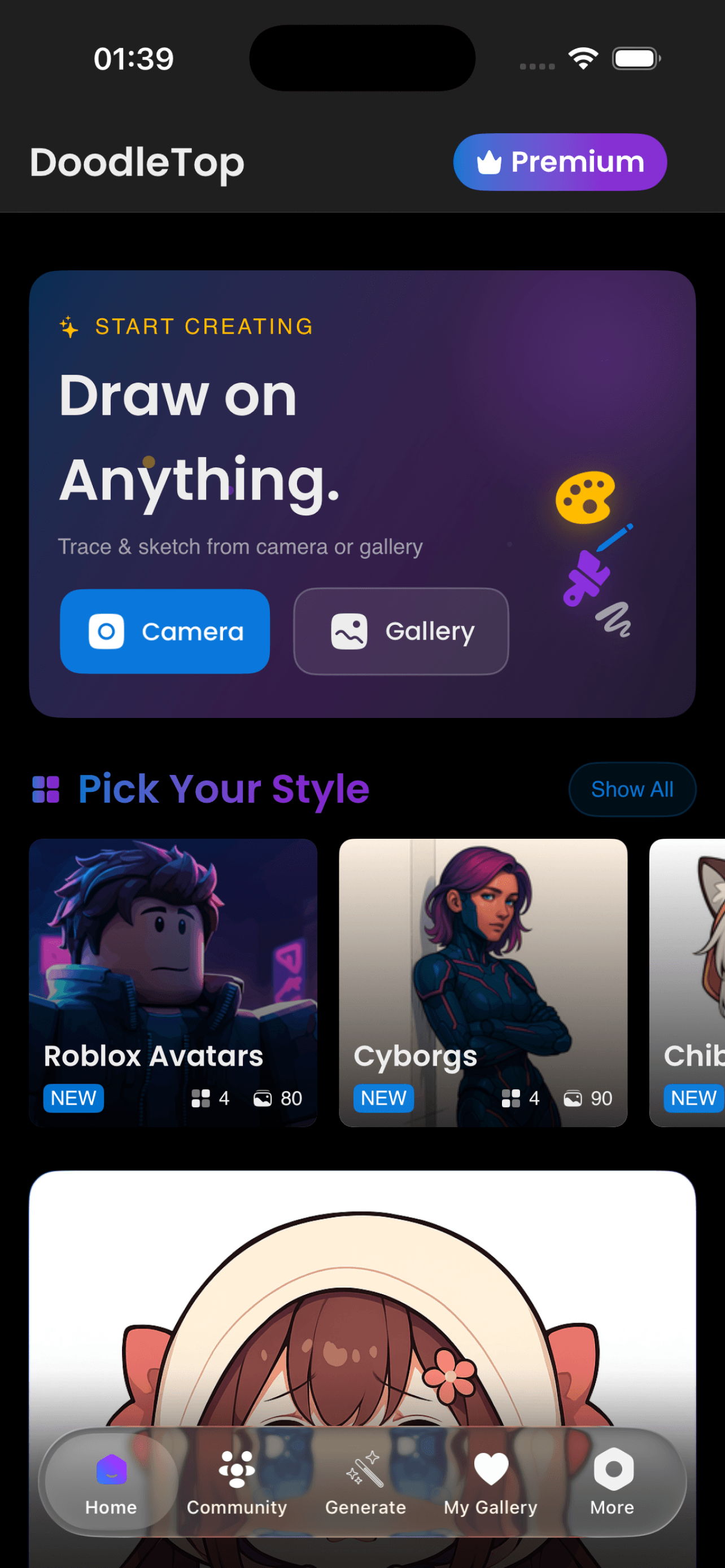
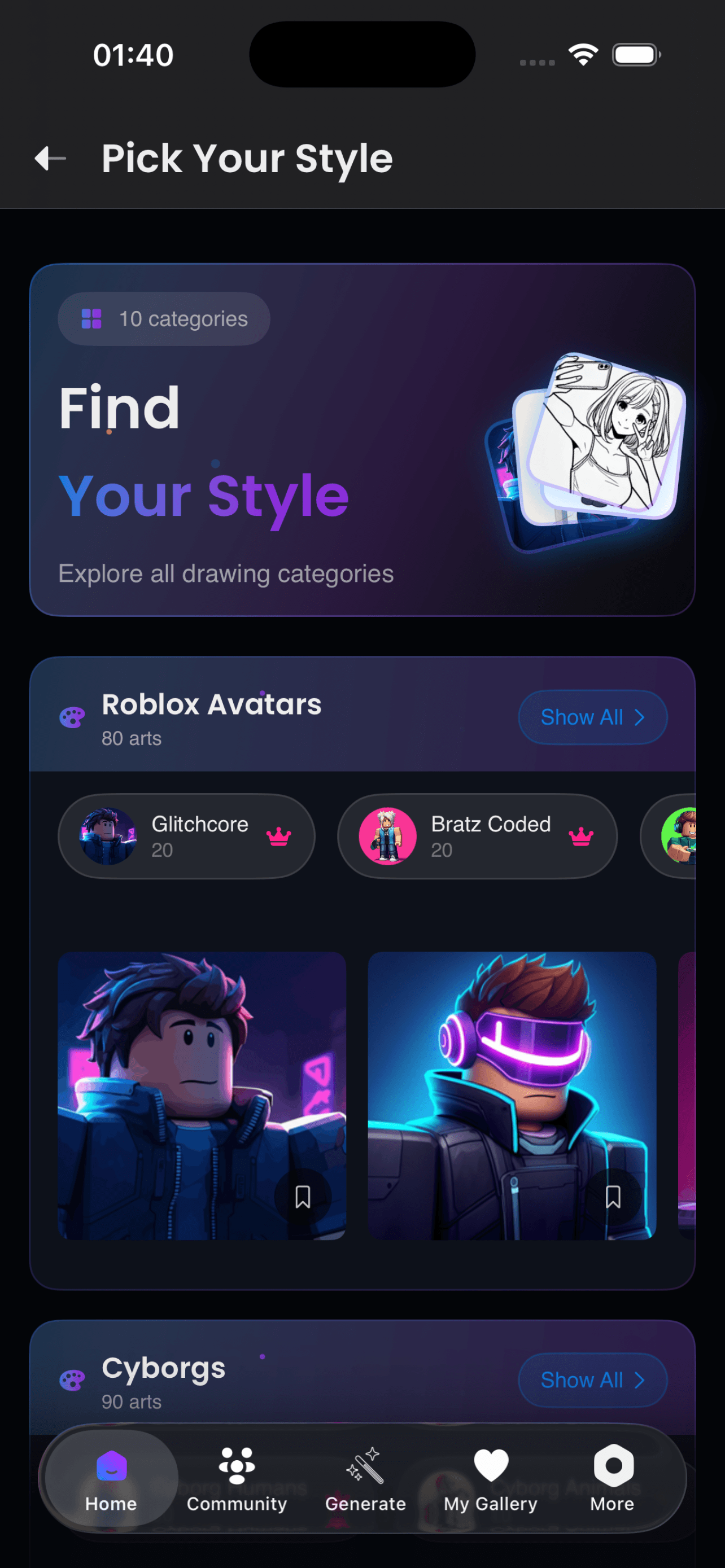
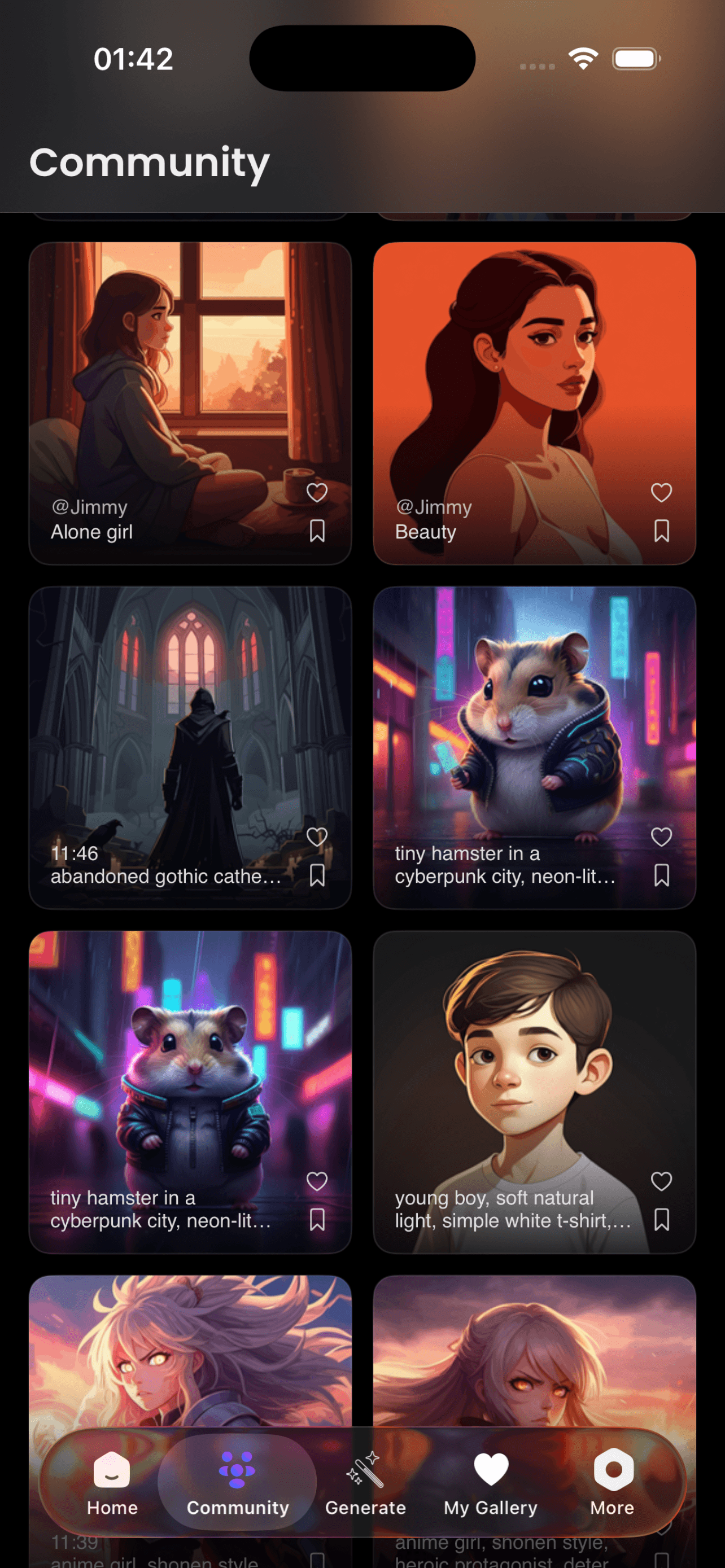
Anime, chibi, tattoo, cyborgs, space, plants and more — browse by category or search. New art added regularly.
Trace beautiful lettering from a catalog of 200+ fonts. Each one rendered live in its own typeface.
Sit face to face. Pick the same art. Race the clock. Two players, one device — a whole new way to create.
A live 0–100 accuracy score tracks how closely your drawing matches the reference — stroke by stroke.
Amazing app! Helped me trace anime art perfectly on paper.
Loved the variety of art styles and how easy it is to use!
The filters and zoom made sketching so much easier. 10/10!
The Fontsy feature is incredible. Perfect for calligraphy practice!
Draw Together mode is so fun with my daughter. We use it every weekend!
PaperTracker is genius. It locks right onto the paper, no fuss at all.
Amazing app! Helped me trace anime art perfectly on paper.
Loved the variety of art styles and how easy it is to use!
The filters and zoom made sketching so much easier. 10/10!
The Fontsy feature is incredible. Perfect for calligraphy practice!
Draw Together mode is so fun with my daughter. We use it every weekend!
PaperTracker is genius. It locks right onto the paper, no fuss at all.
Best AR drawing app I've tried. Clean UI and tons of templates.
The accuracy coach helps me improve every session. Love the feedback!
Best AR drawing app I've tried. Clean UI and tons of templates.
The accuracy coach helps me improve every session. Love the feedback!
Draw Together mode is so fun with my daughter. We use it every weekend!
PaperTracker is genius. It locks right onto the paper, no fuss at all.
Best AR drawing app I've tried. Clean UI and tons of templates.
The accuracy coach helps me improve every session. Love the feedback!
Available now, completely free
No subscription needed. Just download, open, and start creating.
DoodleTop is a free AR drawing app for iOS and Android that lets you trace any reference image onto real paper using your phone camera. Choose from 1500+ built-in art templates, unlimited AI-generated designs from the community, or import your own photo. Sketch on paper, walls, floors, large frames, or any surface using Classic overlay, PaperTracker, or AR Mode. No art degree needed.
Yes. DoodleTop is free to download on the App Store and Google Play. The free tier includes 3 drawings per day, 200+ basic templates, camera and gallery tracing modes, and a 30-second watermarked video export. Premium ($7.99/month) unlocks unlimited drawings, 1500+ advanced designs, unlimited AI-generated community content, custom image import, full video recording, and no ads.
DoodleTop runs on iPhone, iPad, and Android phones and tablets. Download it from the Apple App Store or Google Play Store.
DoodleTop overlays your chosen reference image on your camera view so you can trace it onto any surface underneath. AR Mode anchors the image to real-world surfaces — paper, walls, floors, large frames, canvases, or anywhere — so it stays locked in place as you move. PaperTracker automatically detects and warps the reference onto paper. Classic mode gives you a draggable overlay with opacity, flip, and zoom controls.
DoodleTop has three sketch modes. Classic places a draggable camera overlay you can scale, flip, and adjust opacity. PaperTracker automatically detects paper and warps the reference onto it with no setup. AR Mode anchors the reference to any real-world surface — including walls, floors, large frames, and furniture — so it stays in place as you move around it.
Yes. DoodleTop includes hundreds of anime and chibi templates from a library of 1500+ designs, plus unlimited AI-generated anime references created by the community. You can trace onto paper, a sketchbook, a wall, or any surface using AR Mode. You can also generate a custom anime reference from a text description or import any image from your phone gallery.
Yes. Draw Together mode lets two players sit face to face and trace the same reference art on one device at the same time. You set a timer, press start, and each player draws from their own side of the screen. It works with any of the 1500+ templates or any AI-generated design.
The AR Alignment Coach is a live 0 to 100 accuracy score that tracks how closely your drawing matches the reference image stroke by stroke. It gives you real-time feedback so you can improve your technique with each session, whether you are drawing on paper or on a wall.
Yes. You can import any photo from your camera roll or take a new photo and use it as a tracing reference on any surface — paper, a wall, a large canvas, or the floor. Custom image import is available on the free tier. Premium users get unlimited custom imports.
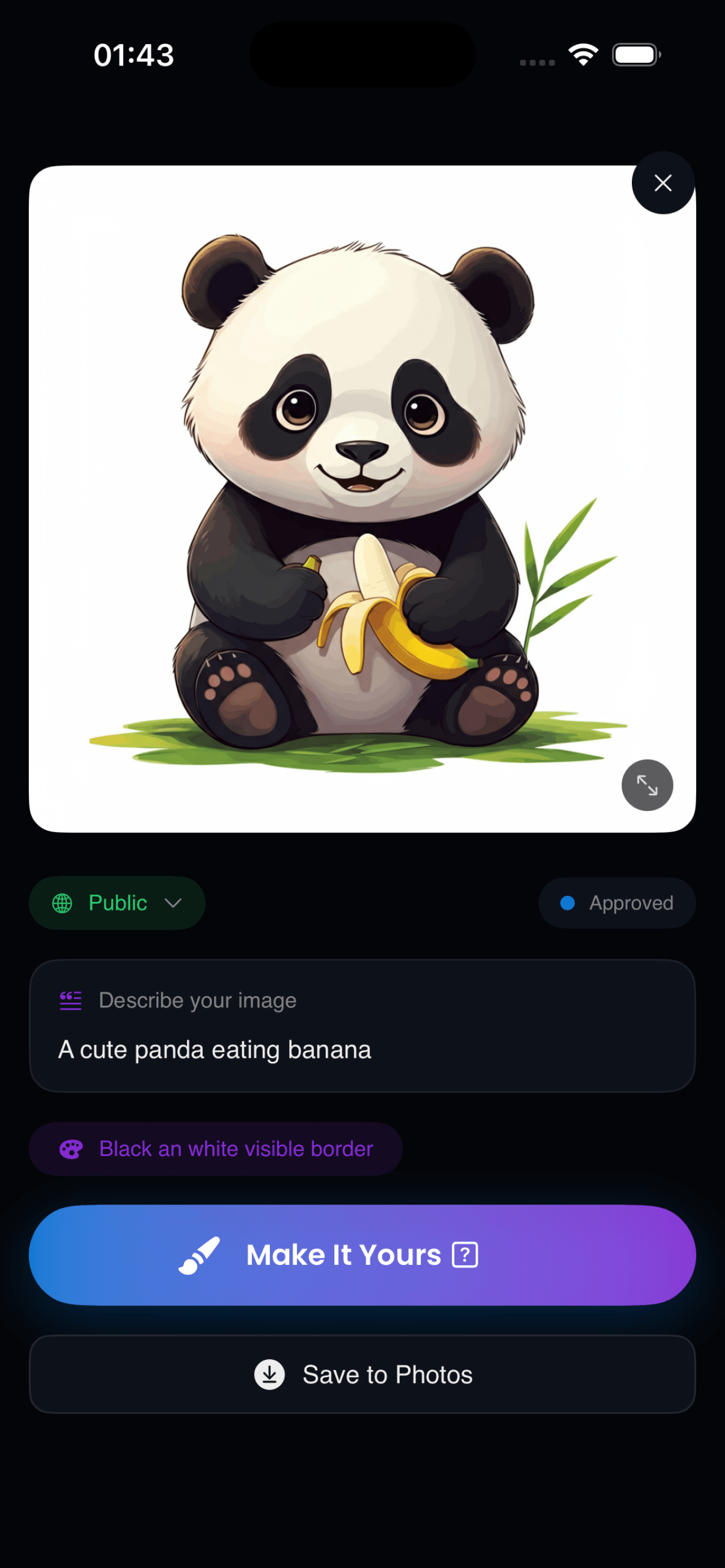
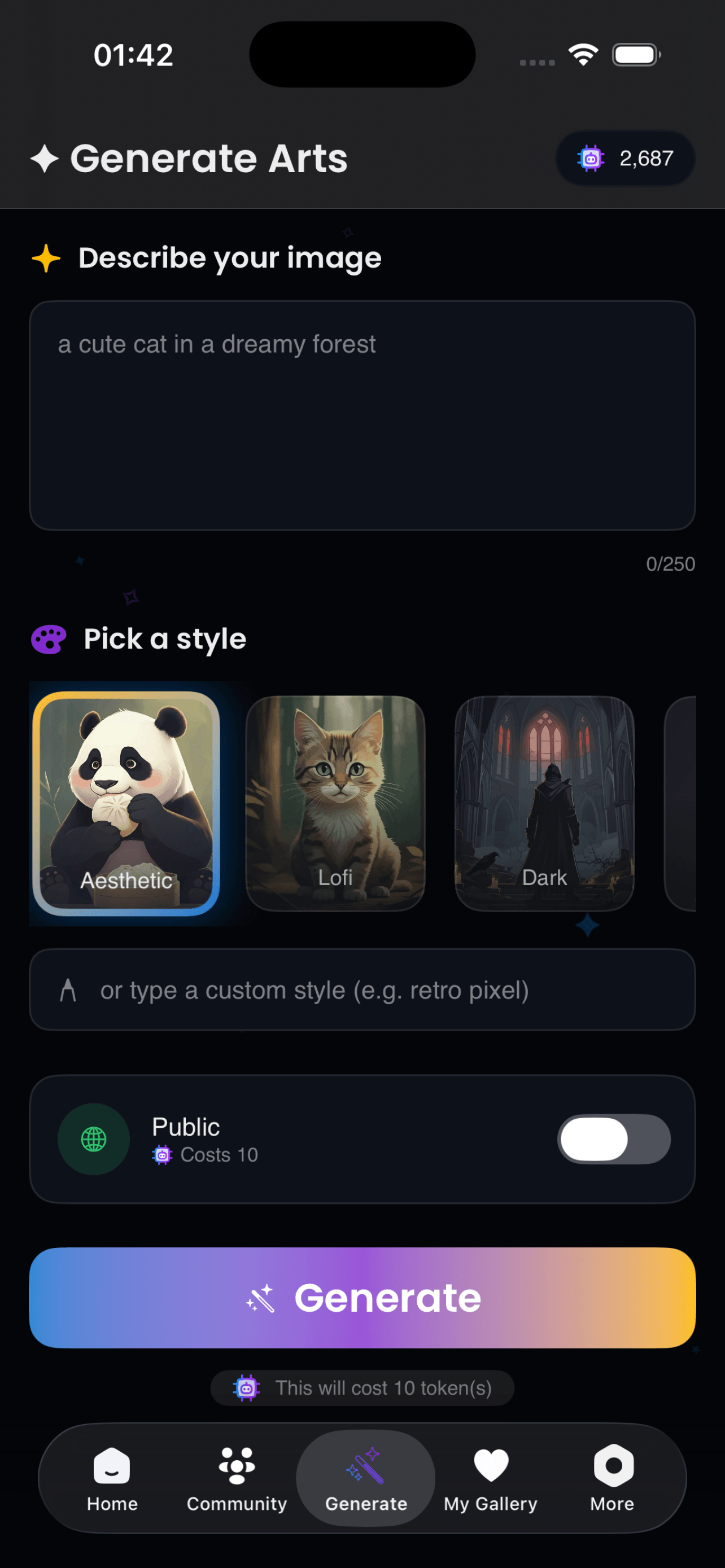
Yes. DoodleTop includes an AI image generator and a growing library of unlimited community-created AI designs. Describe what you want to draw in plain text, pick a style, and the app generates a reference image you can trace immediately onto paper, a wall, a floor, or any surface. Community members continuously add new AI-generated content to the library.
Tap the record button during any drawing session to capture your process as a timelapse video. Free users get a 30-second watermarked export. Premium users get unlimited recording with no watermark. You can share the video directly to TikTok, Instagram, or any other app.
DoodleTop includes 1500+ curated art templates across categories including anime, chibi, tattoo, cyborgs, space, plants, cosplay, and phone cases. On top of that, the community continuously generates unlimited new AI designs you can browse and trace. The Fontsy catalog adds 200+ font styles for lettering practice.
Yes. DoodleTop is designed for all skill levels. Beginners can start by tracing simple templates on paper and build up to drawing on walls, floors, or large frames using AR Mode. The AR Alignment Coach gives live accuracy feedback, and the step-by-step overlay makes it easy to learn proportions and line placement from scratch.
Yes. DoodleTop has a dedicated tattoo template category with 1500+ designs including flash art and custom styles. You can also import any tattoo reference or generate one with AI, then use the AR overlay to trace the design onto paper or skin for placement planning.
Fontsy is DoodleTop's built-in font catalog with 200+ typefaces. Each font is rendered live in its own style as you scroll. Pick any font and use it as a tracing reference to practice lettering, calligraphy, or custom signage on paper, a wall, a large canvas, or any surface.
Questions, ideas, or feedback? We read every message.
.png)